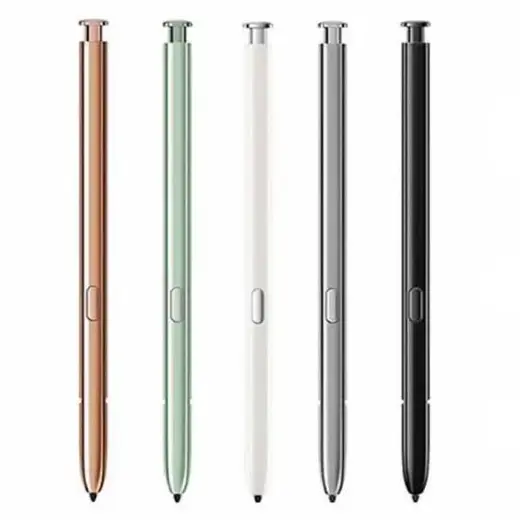
Galaxy Note 20 S Pen with Bluetooth Replacement
Genuine replacement for the Note 20 and Note 20 Ultra. Model N9860.
Colour
Note 20 S Pen specifications
| Fits | Galaxy Note 20 and Note 20 Ultra, N9860 |
|---|---|
| Bluetooth | Yes, supports Air Actions and the remote shutter |
| Charging | Charges in the phone slot, no cable |
| Tip | Pressure sensitive, replaceable |
| Colours | Black, White, Green, Grey, Gold |
| Ships from | Melbourne, Australia |
About the Note 20 S Pen
- Latency dropped sharply on the Note 20 pen compared with the Note 10, which is why it still gets recommended for handwriting years after the phone stopped selling.
- Bluetooth is included, so Air Actions, the remote camera shutter and presentation control all work.
- It charges inside the phone. Leave it seated a few minutes and the remote features come back.
- Five colours, the widest choice of any pen in this range.
Note 20 S Pen not working? Start here
The Note 20 pen has Bluetooth and an internal charge store, which the newer S25 and S26 pens do not, so it fails in ways those pens cannot.
Note 20 S Pen Air Actions and remote shutter stopped
Almost always the Bluetooth pairing rather than the pen. Drop it fully into the slot, leave it five minutes to charge, then re pair under Settings, Advanced features, S Pen. Writing keeps working the whole time, which is why people assume the pen is fine.
Usually free to fixNote 20 S Pen writes but drags or skips
A worn tip. Note 20 owners tend to be heavy writers, so tips go faster on this model than most. Pull the old one straight out with the tweezers in a tip pack and push the new one in.
Tips, A$24.95Note 20 S Pen will not hold a charge
The Note 20 pen stores power in a supercapacitor, not a battery, and it degrades with age. A pen that writes normally but loses its remote connection within minutes of leaving the slot is near the end of its life.
New pen neededNote 20 S Pen not working on screen at all
Test it on another Note 20. If it fails on both, the pen has gone. If it works on the other phone, the digitiser in your handset is the problem and a new pen will not help.
New pen if it fails on bothNote 20 S Pen lost, replacing it
The Note 20 slot grips well, so these are lost out of bags and cars more often than out of the phone. Any N9860 Note 20 S Pen will pair once it has charged in the slot.
Replacement penNote 20 S Pen only fails near the screen edges
Usually a thick tempered glass protector lifting the pen away from the digitiser. Take it off and test again before you spend anything.
Usually free to fixOther Samsung pens compared with the Note 20 S Pen
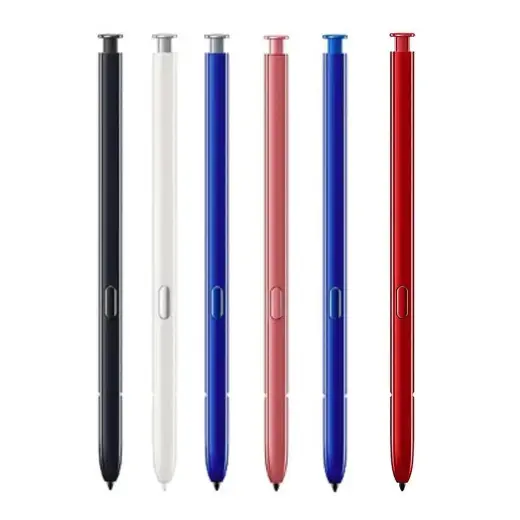
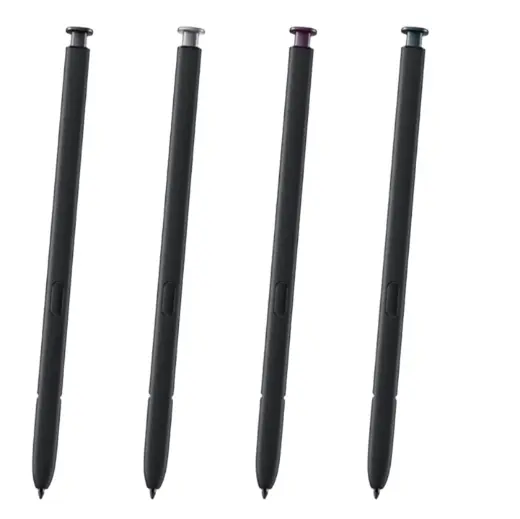
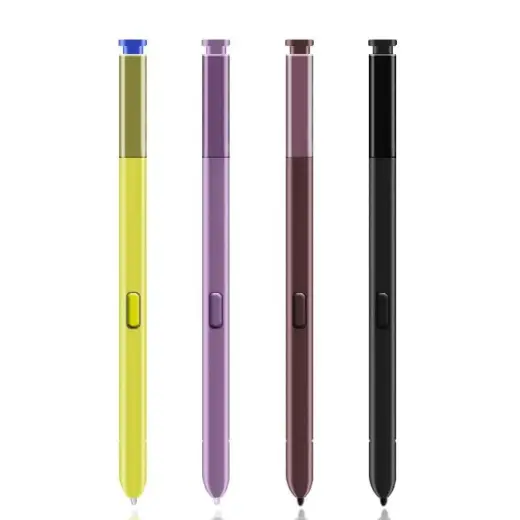
Still the wrong pen?
Every Samsung stylus in stock is listed in one place, with the model numbers each one fits.