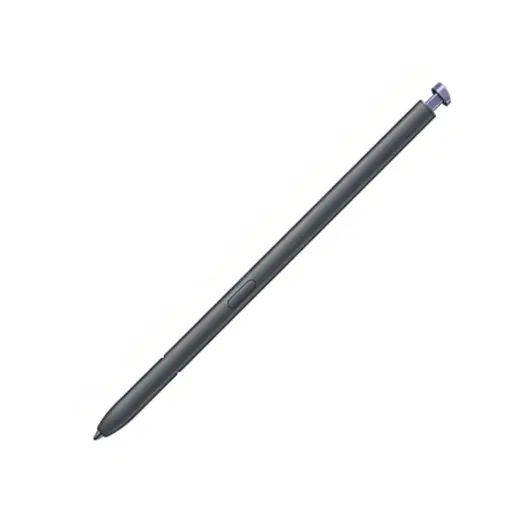
Galaxy S26 Ultra S Pen Replacement
Replacement S Pen shaped for the new S26 Ultra slot. Air Command supported.
Colour
S26 Ultra S Pen specifications
| Fits | Galaxy S26 Ultra only |
|---|---|
| Slot shape | New asymmetrical arc. Earlier Ultra pens do not fit |
| Air Command | Supported |
| Tip | Pressure sensitive, replaceable |
| Colours | Black, Silver, Blue, Purple |
| Ships from | Melbourne, Australia |
About the S26 Ultra S Pen
- Samsung reshaped the S Pen slot on the S26 Ultra to follow the phone's curvier corners, so the pen has an arc to it that the S25 and S24 pens do not.
- That means an S25 Ultra or S24 Ultra pen will not seat properly, no matter how similar it looks in a photo.
- Air Command is supported. The cheap versions that skip it will not connect cleanly, so they are not stocked here.
- The tip is a wear part and swaps out on its own. An 8 pack is available rather than replacing the pen.
S26 Ultra S Pen not working, or the wrong shape?
Nearly every S26 Ultra pen complaint we see comes back to one thing: the slot changed this generation, and the market has not caught up.
S26 Ultra S Pen will not go into the slot
Not a fault. The S26 Ultra slot has an asymmetrical arc that the S24 and S25 Ultra pens do not match. If you are pushing an older Ultra pen in, stop before you damage the slot liner. You need an S26 Ultra S Pen cut to the new shape.
Correct shape neededS26 Ultra S Pen rattles or sticks in the slot
Same cause, milder symptom. Some marketplace sellers are still shipping S25 Ultra stock in S26 packaging, and it half fits. A pen that rattles in the slot will fall out in a pocket within weeks.
Wrong part, replace itS26 Ultra S Pen writes but Air Command will not open
Try the button first, then reset the pen connection under Settings, Advanced features, S Pen. Writing runs off the digitiser and keeps working even when the pen side has dropped out, which is why this looks like a half failure.
Usually free to fixS26 Ultra S Pen drags or leaves furry lines
The tip has worn flat. On a brand new phone this usually means grit rather than mileage. Pull the tip with the clip in an S26 Ultra tip pack and check the slot for sand before fitting the new one.
Tips, A$29.95S26 Ultra S Pen not detected on screen at all
Borrow another S26 Ultra and test. Working on the other phone points at your digitiser, not the pen, and a new pen will not fix that.
New pen only if it fails on bothOther Samsung pens compared with the S26 Ultra S Pen
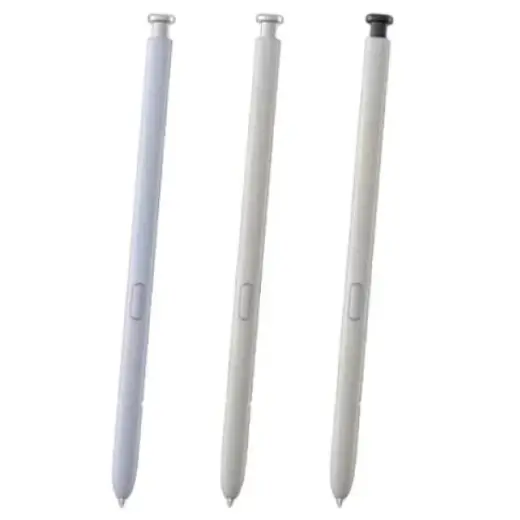
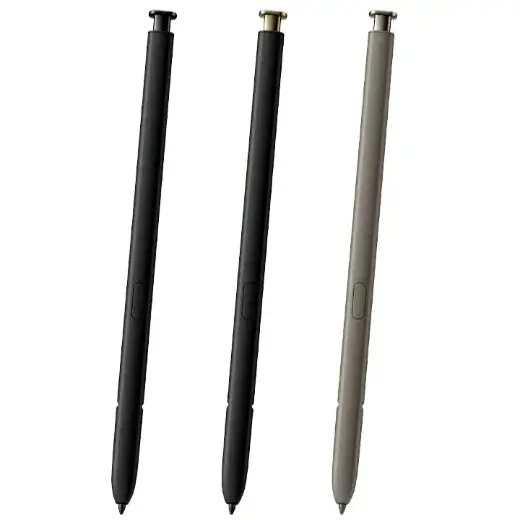
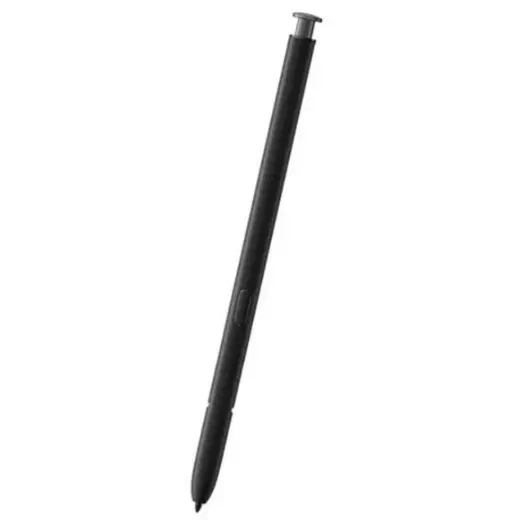
Still the wrong pen?
Every Samsung stylus in stock is listed in one place, with the model numbers each one fits.